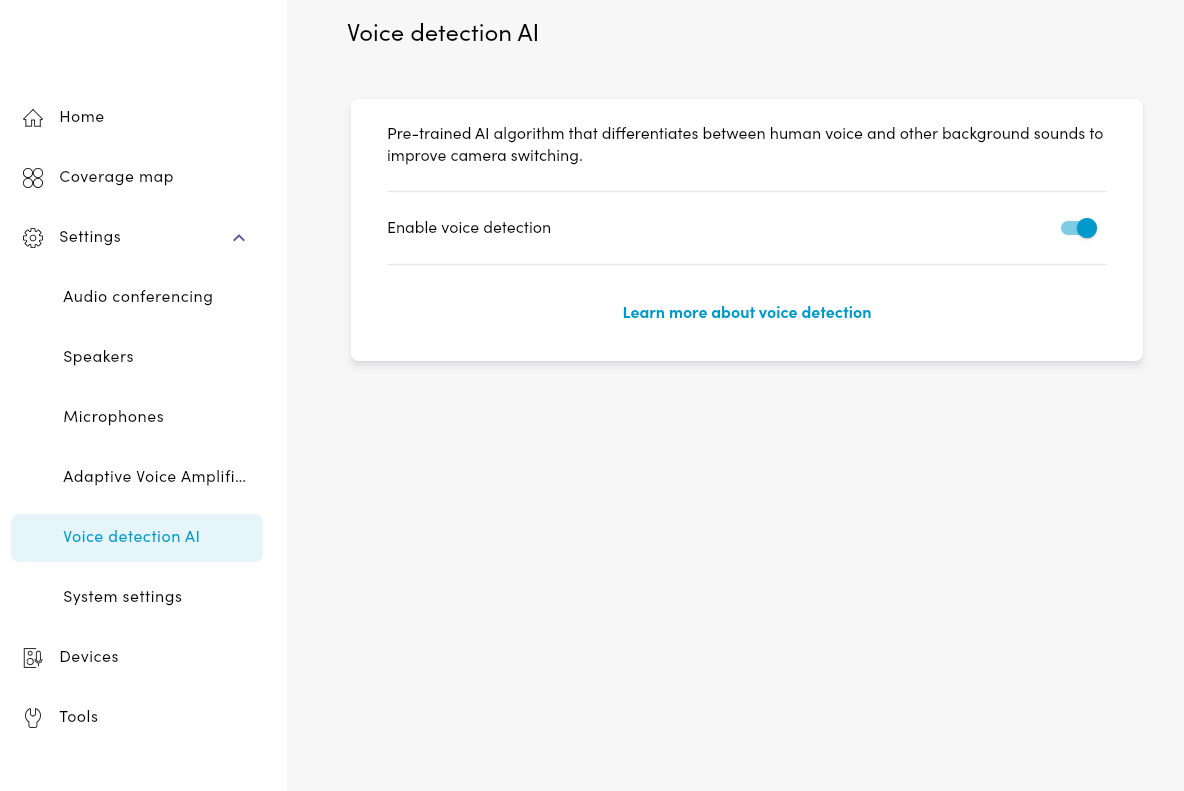
Nureva HDX systems feature voice detection AI, which offers smoother camera switching. Managed through the Nureva App, this pre-trained AI algorithm differentiates between the human voice and background sounds to improve camera switching.
Using voice detection AI
Open the Nureva App.
Connect to the app by entering the HDX system hub’s IP address and enrollment code, then select Continue.
If the enrollment code has been replaced with a password, enter the password.
The app will advance to the Nureva App home page.
Open the Settings menu.
Select Voice detection AI.
Slide the toggle to turn the feature on or off.