Documentation Index

Fetch the complete documentation index at: https://support.nureva.com/llms.txt

Use this file to discover all available pages before exploring further.

Finding the QR code for Nureva device setup

Prev Next

For Nureva HDL310, HDL410 and HDX audio conferencing systems, a QR code is located on the bottom of the connect modules and system hubs. Scanning this unique QR code with a smartphone or tablet opens a gateway, which provides access to installation and setup guidance for the system.
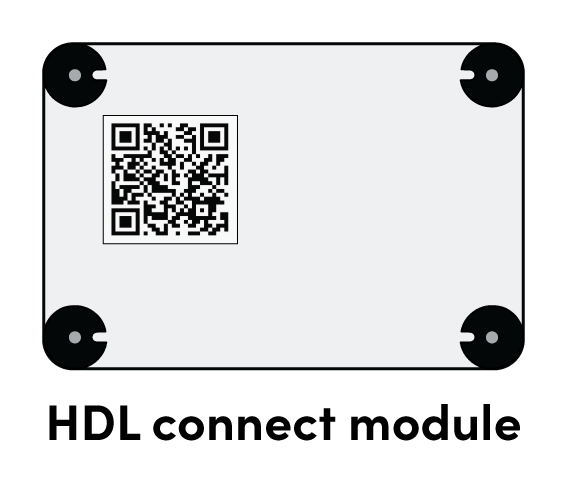
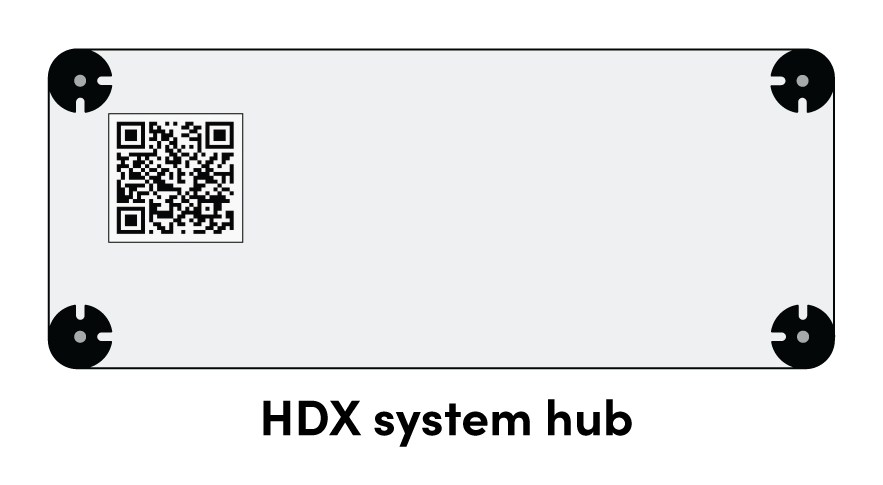
Image showing a QR code on the bottom of an HDL310 and HDL410 connect module.

Image showing a QR code on the bottom of an HDX system hub.